
.png?width=120&height=103&name=Group%202560%20(2).png)
Notification manager
Automate personalised guest communications
Automate and refine every email, from reservation confirmations to last-minute updates. Guests stay in the loop, and you save time while delivering a personal touch.
.png?width=561&height=440&name=Rectangle%201%2010%20(6).png "Rectangle 1 10 (6)")
Tasks
Simplify email workflow set-up
Configuring and customising notifications is quick and easy. Set up tailored messages that trigger at the right time for every guest interaction.
- Event-driven triggers
Automatically send messages for important moments like reservation confirmations, arrival instructions, or reservation updates. With over 100 parameters, you can craft messages as precise as a well-timed train. - Scheduled messages
Set notifications to reach guests at key moments—like a week before check-in—sharing vital details or even tempting them with additional services. - On-demand messaging
Need a personal touch? Send manual, last-minute emails whenever required, keeping communication flexible and human.
.png?width=980&height=1440&name=Notification%20Manager%20-%20Tasks2%20(1).png)
Notifications
Monitor notifications in real-time
Stay on top of every email and text message sent with a live dashboard that keeps you informed and in control of your communications.
- Real-time tracking
Instantly see sent, pending, or failed notifications to monitor the status of your guest communications. - Efficient troubleshooting
Spot and fix issues with failed emails in seconds, ensuring no important messages are missed.
.png?width=980&height=1440&name=Notification%20Manager%20-%20Notifications2%20(1).png)
Templates
Choose the perfect email templates for every situation
Create beautiful, responsive emails like reservation confirmations or arrival messages, no coding required. Use our template blocks to save time.
- Reuse important sections
Create headers, footers, or guest portal links and reuse them across multiple templates. - Keep it personal
Personalise emails by including reservation details, resort information, or other data directly from your Maxxton software. - Integrate documents
Attach important files like reservation bills or receipts as part of the template.
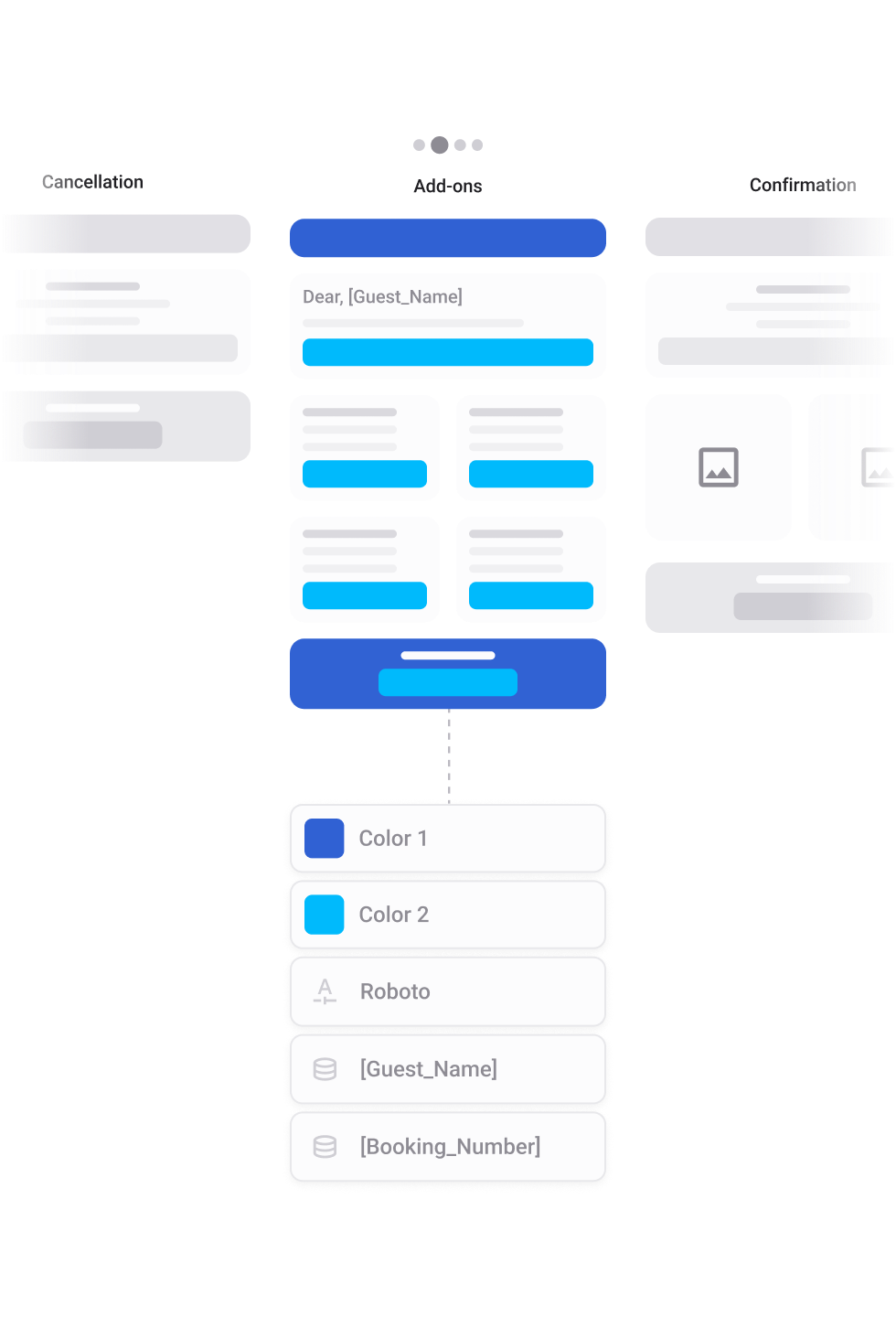
THEMES
Bring your brand to every email
Themes let you define your brand’s colours and typography once, so every email reflects your style perfectly every time.
- Set it and forget it
Use the colour picker to save your brand’s palette and connect hosted fonts for consistent typography. - Stay on-brand
Apply your chosen styles across all email templates in a click. - Save time
No need to redo the design for every email—your branding is ready to go.
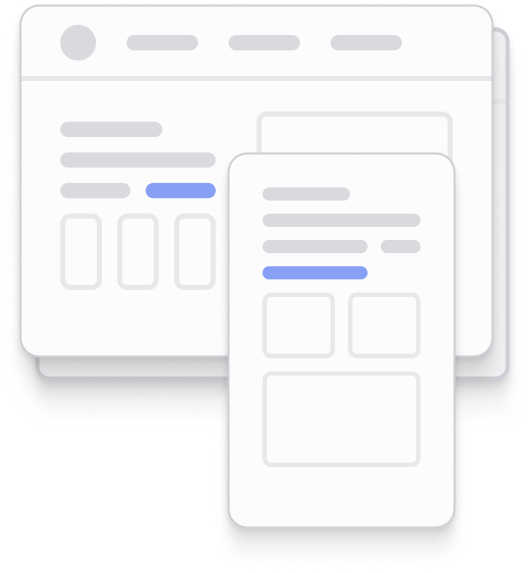
COMPATIBILITY
Simplify email workflow set-up
Maxxton templates are built to look great on laptops, phones, and tablets.- Make emails work everywhere
Predefined components guarantee your emails render beautifully, even in tricky email clients. - Keep it responsive
The drag-and-drop framework creates templates that adjust automatically for any screen size. - No extra tweaking
Your emails look professional and polished, right out of the box.
.webp?width=561&height=440&name=Rectangle%201%2010%20(12).webp)
MULTILINGUAL CONTENT
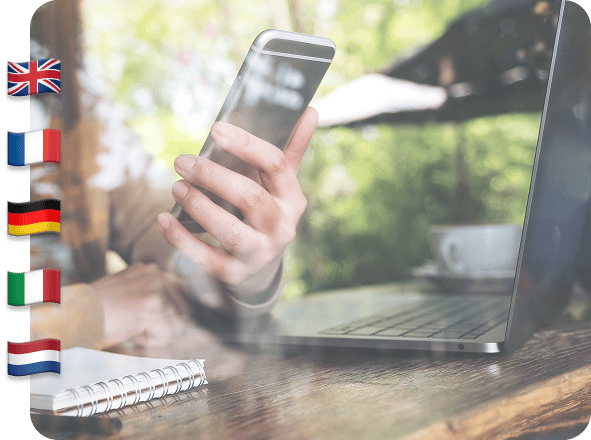
Hello, Bonjour, Gutentag, Dag
Speak to guests in English, French, German, Italian or Dutch. The Template Manager helps you send multilingual content easily while maintaining a polished, unified look and feel. Build a single design that supports multiple translations without duplicating work.