User access management
Give every person the access they need. Nothing more.
Manage roles, permissions and logins across your organisation from one place. Set access by job, location and responsibility, onboard seasonal staff quickly and keep a clear record of who can access what.
The identity and access layer behind IT teams at Europe's leading operators
Built around your roles
Front office, housekeeping, location manager, sales and marketing. Roles map to real jobs, not a generic scope you have to translate.
Not bolted on
Access management runs inside the same platform as reservations, revenue and finance. Nothing to sync, nothing to duplicate.
Ready before an audit asks
Every login, every role change and every permission edit is logged and exportable.
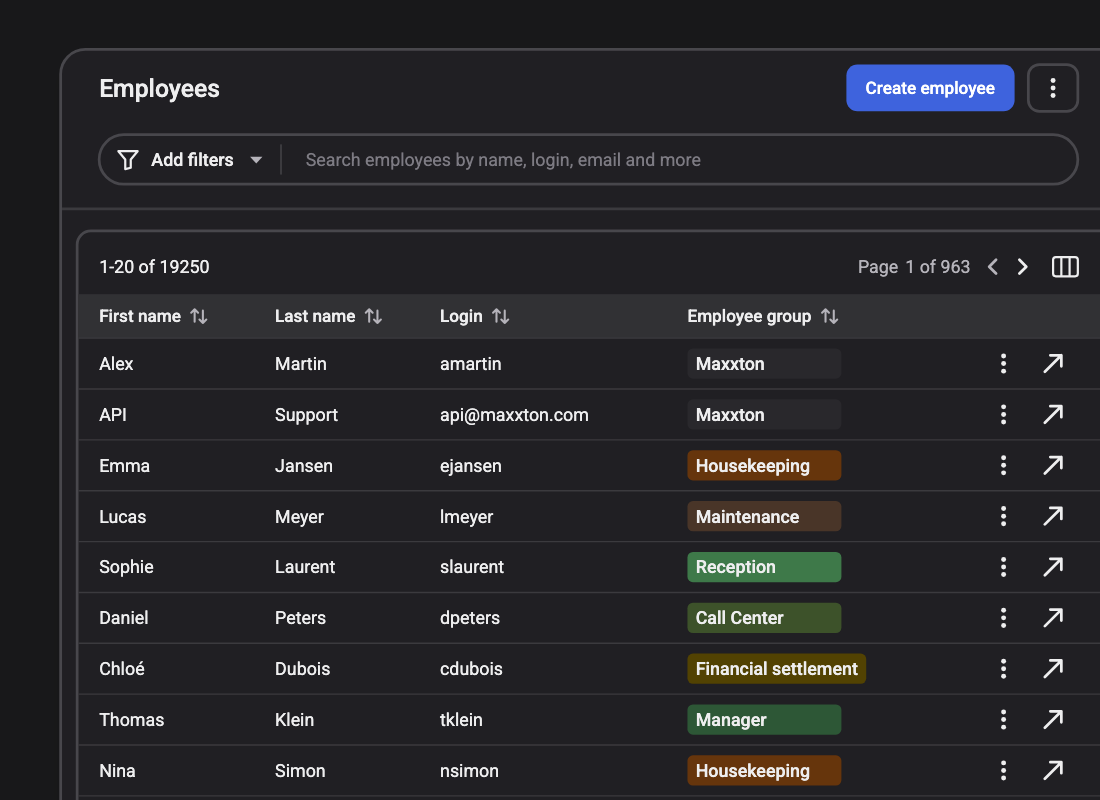
Does your access list look like this?
Tick the ones you recognise.
User Access Management runs role assignment, authentication and audit logging inside the platform your staff already use, built for organisations whose workforce changes by the season, not the year.
person_addProvisioning
New starters, already set up.
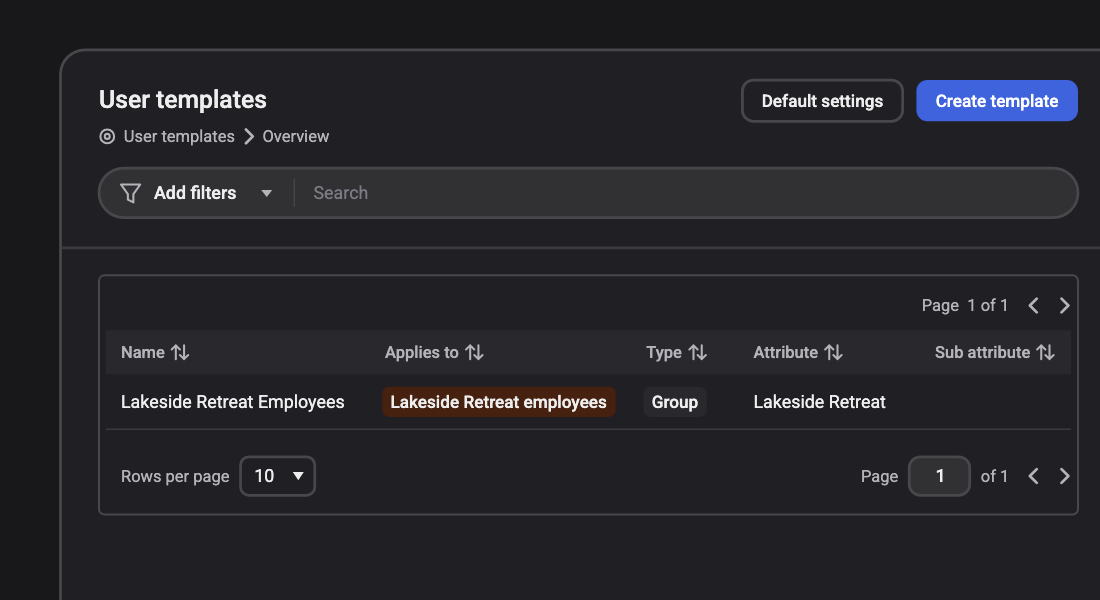
Predefined role templates cover the jobs you hire for most: front office, housekeeping, location manager, sales and marketing. When you connect Single Sign-On, user templates read your Active Directory groups and configure new starters automatically.
admin_panel_settingsAuthorisation
Update permissions the moment a role changes.
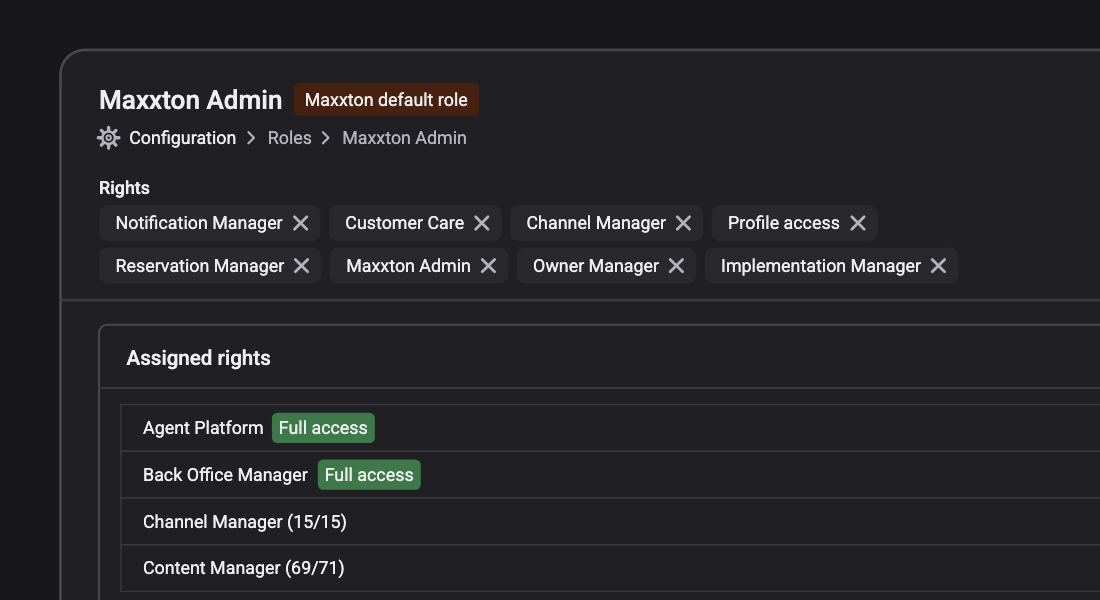
Maxxton User Access Management lets you assign view, create, edit, delete or execute rights per application and narrow access by location, admin organisation, distribution channel or cash account.
keyAuthentication
One set of credentials across every connected application.
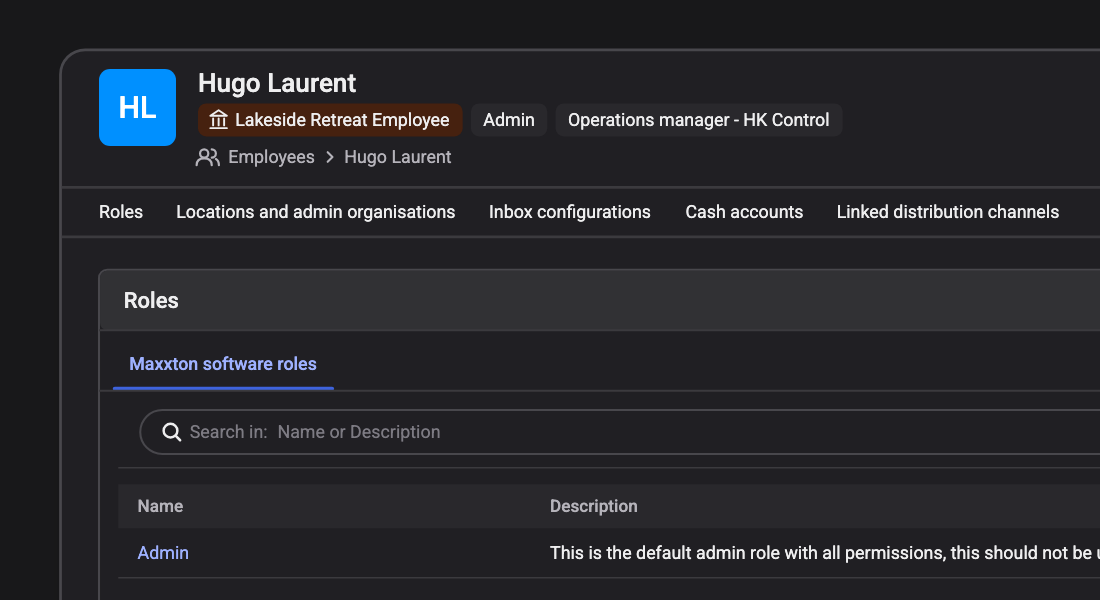
Single Sign-On in Maxxton gives every employee one set of credentials across every connected application. Password policy is centralised, and one-time passwords grant short-term staff secure access without a permanent account.
Staff accounts without Single Sign-On can use multi-factor authentication with an authenticator app, such as Google Authenticator or Microsoft Authenticator, or a code sent by email.
shield_lockData protection
Guest and payment data, protected by default.
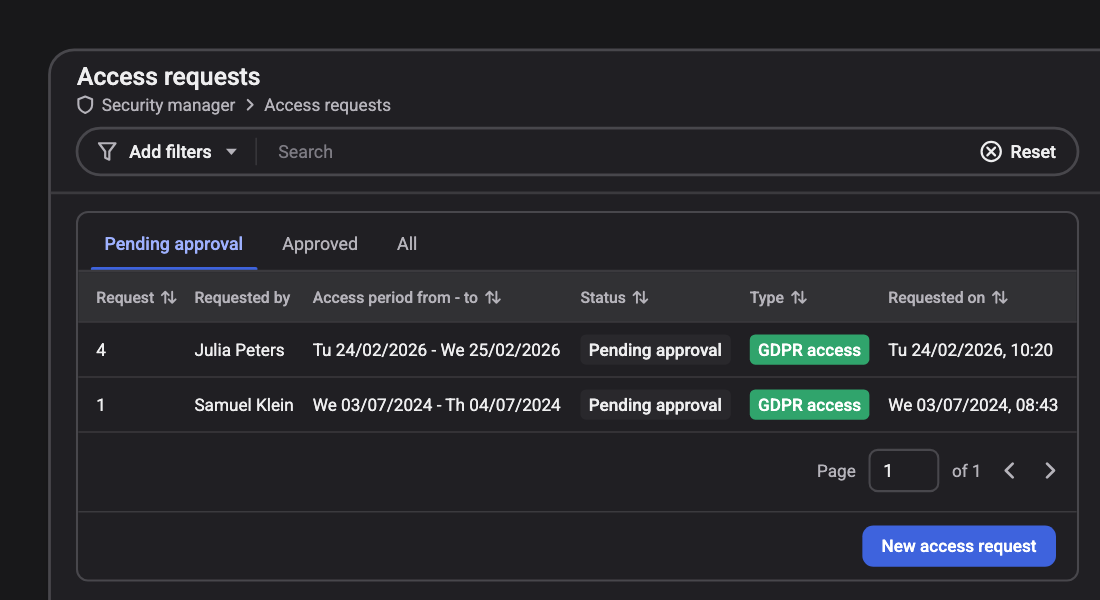
GDPR access levels sit on the role, not on the individual, so sensitive guest and payment data stays restricted without someone remembering to restrict it every time a role changes.
fact_checkAudit and accountability
The record your auditor will sign off on.
Export roles, permissions and GDPR levels in a few clicks. Every role or permission change is logged, and every login is recorded, so who can see what is already documented.
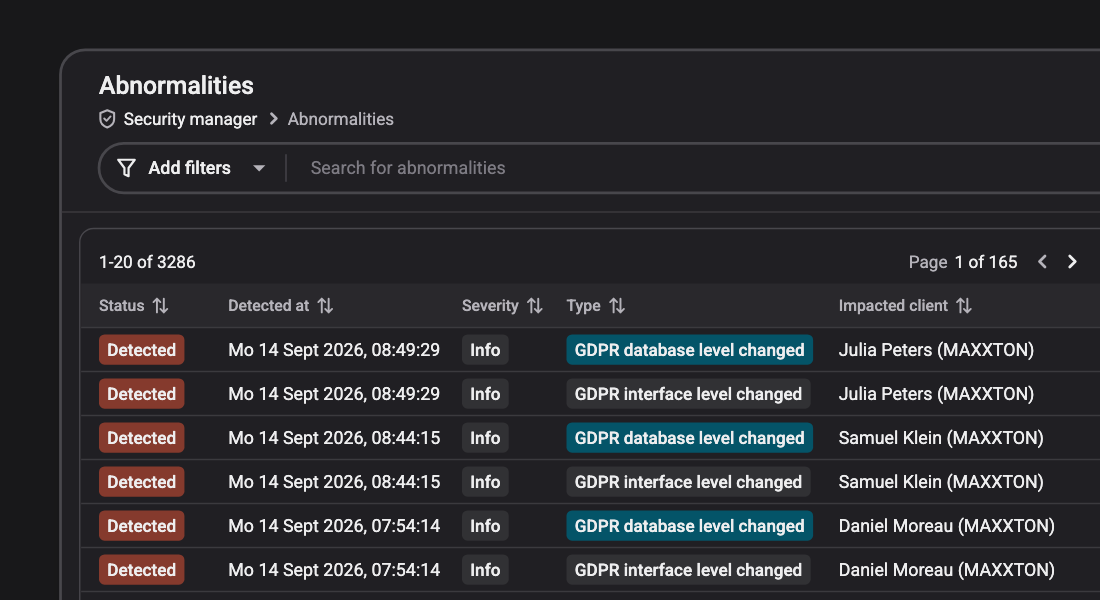
Audited, not just asserted.
The claims on this page are not ours to assert alone. Access management in Maxxton runs on the Least Privileged Principle, audited as part of Maxxton's wider security programme under ISAE-3402 and tested against PCI DSS.
User Access Management is the identity layer underneath the rest of the Maxxton platform.
Security
The Least Privileged Principle enforced in every role you set here is part of Maxxton's audited security programme.
Platform Architecture
Every role and permission runs on the same cloud-native infrastructure as the rest of the platform, not a bolted-on identity layer.
Integration Marketplace
Pair software access rules with physical access control at the gate or the door through partners like Koole Controls and EliteParks.
Frequently asked questions
Is User Access Management a standalone product or part of the Maxxton platform?
User Access Management is part of the Maxxton platform, not a separate purchase or an added identity tool. Every role, permission and login you configure here applies across the applications your team already uses.
How does this handle seasonal or short-term staff?
One-time passwords give short-term staff secure access without a permanent account, and predefined role templates let seasonal hires be productive on day one. When a contract ends, removing the role removes the access.
Why not just use an identity provider like Auth0 or Okta instead?
Auth0 and Okta manage identity for arbitrary applications with generic scopes you define yourself. Roles in Backoffice & Access Management map directly to hospitality jobs, such as front office, housekeeping and location manager, and to the locations, admin organisations, distribution channels and cash accounts those jobs touch. There is no translation layer to build and maintain on top.
Can we keep our existing Active Directory or SSO provider?
Yes. Single Sign-On connects to your existing authentication platform, and user templates can read your Active Directory groups to automatically configure new starters.
How does this help with GDPR and data protection audits?
GDPR access levels are set at the role level rather than the individual level, and every export, role change, and login is logged, so you can answer an auditor's question about who can see guest or payment data without reconstructing it by hand.
Can we delete or reassign roles as our organisation changes?
Yes. You can edit, reassign, or remove roles as your organisation, locations, or policies change, and batch updates let you apply the same change across many employees at once.
Can staff use multi-factor authentication when signing in through SSO?
Yes. Staff signing in through Single Sign-On use their identity provider's multi-factor authentication, rather than Maxxton's authentication checks for accounts without SSO. Your team manages those additional sign-in checks through your existing identity provider.
Stop assigning access by hand.
Book a demo to see how User Access Management provisions, authorises and logs access for a workforce that changes every season.